
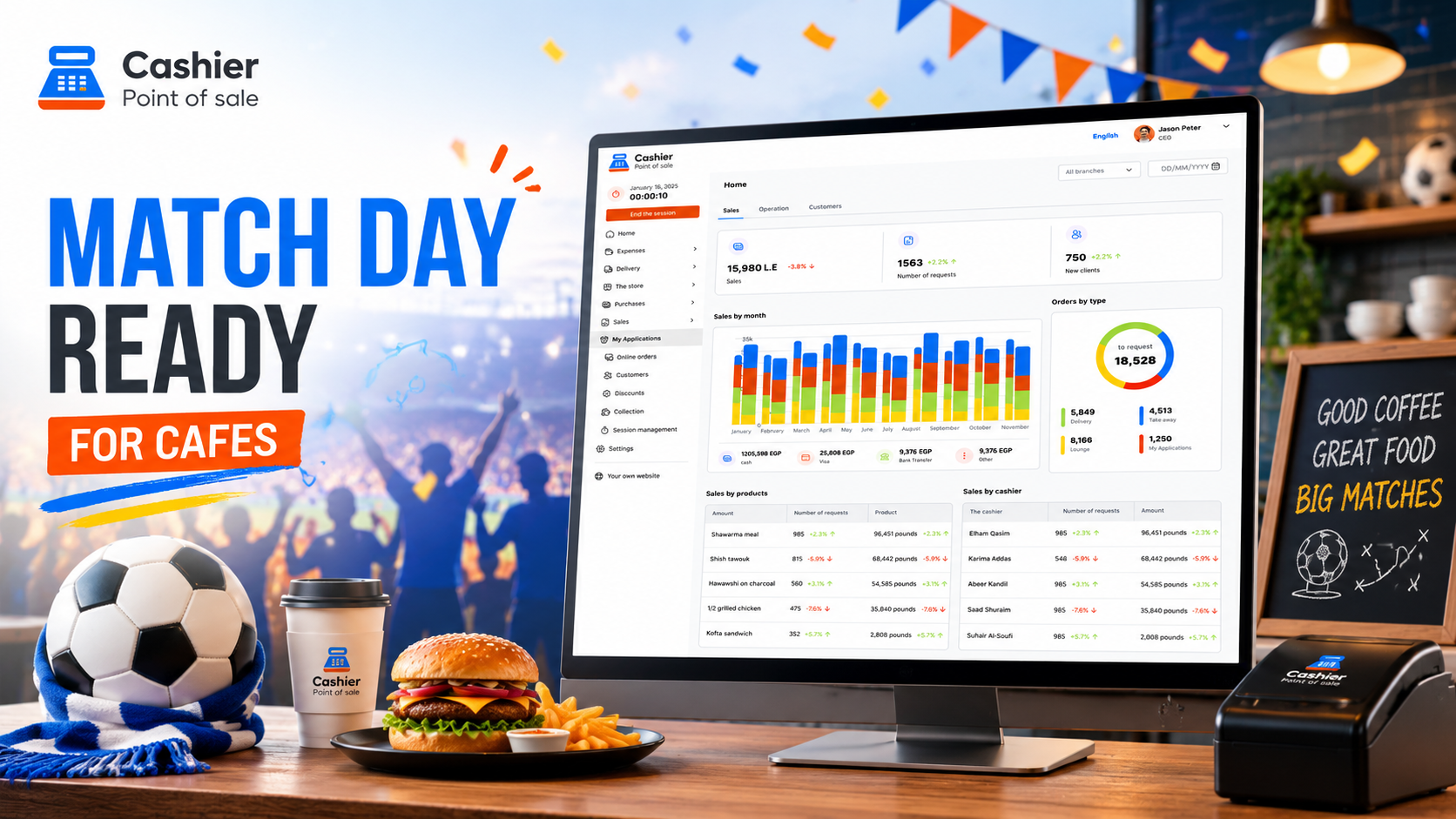
World Cup is more than a global football event. For cafés, restaurants, and casual dining businesses, it’s a major opportunity to attract more customers, increase sales, and create a memorable match-day experience.
During big matches, customers do not just visit a café for coffee. They come in groups, stay longer, order more often, and expect fast service while watching the game. This can turn an ordinary business day into one of the busiest and most profitable days of the month.
But without the right preparation, match-day demand can quickly become stressful. Long queues, delayed orders, stock shortages, payment issues, and staff confusion can hurt the customer experience and reduce profits. That is why cafes need more than a screen and a few decorations. They need a clear operational plan supported by a reliable POS system.
A modern Free POS System helps cafes manage orders, payments, inventory, staff performance, and sales reports from one place. Instead of relying on manual notes or outdated cash registers, business owners can use a smart POS App to stay organized during peak hours.
Cashier POS is an example of a modern Free Point of Sale solution built for restaurants, cafes, supermarkets, and retail businesses. It works online and offline, helping business owners continue selling even when the internet is unstable. Whether you run a small café or a busy multi-branch restaurant, the right POS system can help you serve more customers with fewer mistakes.
In this guide, we will explain how cafes can prepare for World Cup 2026 match-day demand and how a reliable online and offline POS system can make daily operations faster, easier, and more profitable.
Why Cafes Need a Special Plan for World Cup Match Days
Match days are different from normal business days. On a regular day, customers may walk in, order a drink, sit for a short time, and leave. On a World Cup match day, customers are more likely to arrive in groups, stay for the full game, order before the match, order again at halftime, and sometimes continue ordering after the match ends.
This creates a different type of pressure on the café. It is not only about having more customers. It is about managing repeated orders, faster service expectations, group payments, limited seating, and higher demand for certain products.
For example, cold drinks, coffee, snacks, desserts, sandwiches, and group offers may sell much faster than usual. If your team is not ready, your cafe may face problems such as:
- Long lines at the cashier
- Slow order preparation
- Incorrect bills
- Products going out of stock
- Confusion between dine-in and takeaway orders
- Payment delays
- Difficulty tracking sales performance
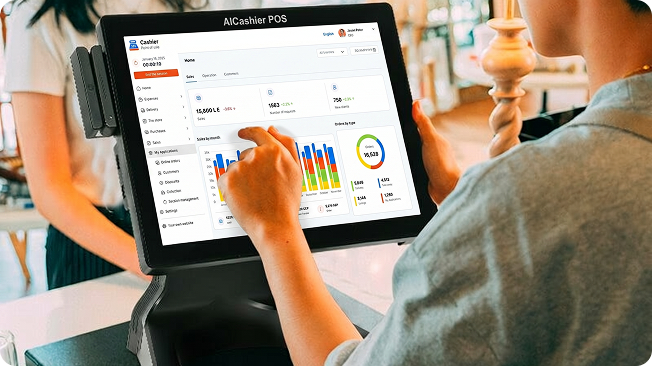
A good restaurant POS system helps reduce these problems by giving your team a faster and more organized way to handle orders. It also gives managers real-time visibility into what is selling, which items are running low, and which staff members are handling transactions.
Instead of guessing what is happening during a busy match, the business owner can review accurate data and make better decisions.
Start Planning Before the Match Day
The best preparation starts before customers arrive. Cafés should review the World Cup schedule, identify high-demand matches, and create a plan for each expected busy period.
Not every match will bring the same level of demand. Games involving popular national teams, knockout rounds, semifinals, and the final are likely to attract bigger crowds. Matches that happen during evening hours or weekends may also bring more customers than weekday daytime matches.
You can divide matches into three simple categories:
- High-demand matches
- Medium-demand matches
- Low-demand matches
For high-demand matches, you may need more staff, more inventory, special offers, and a simplified menu. For medium-demand matches, you may need moderate preparation. For low-demand matches, you may only need basic adjustments.
This is where a sales management tool becomes useful. By reviewing past sales reports, you can understand which products sell best during busy hours, weekends, or sports-related events. This helps you prepare based on real data instead of guessing.
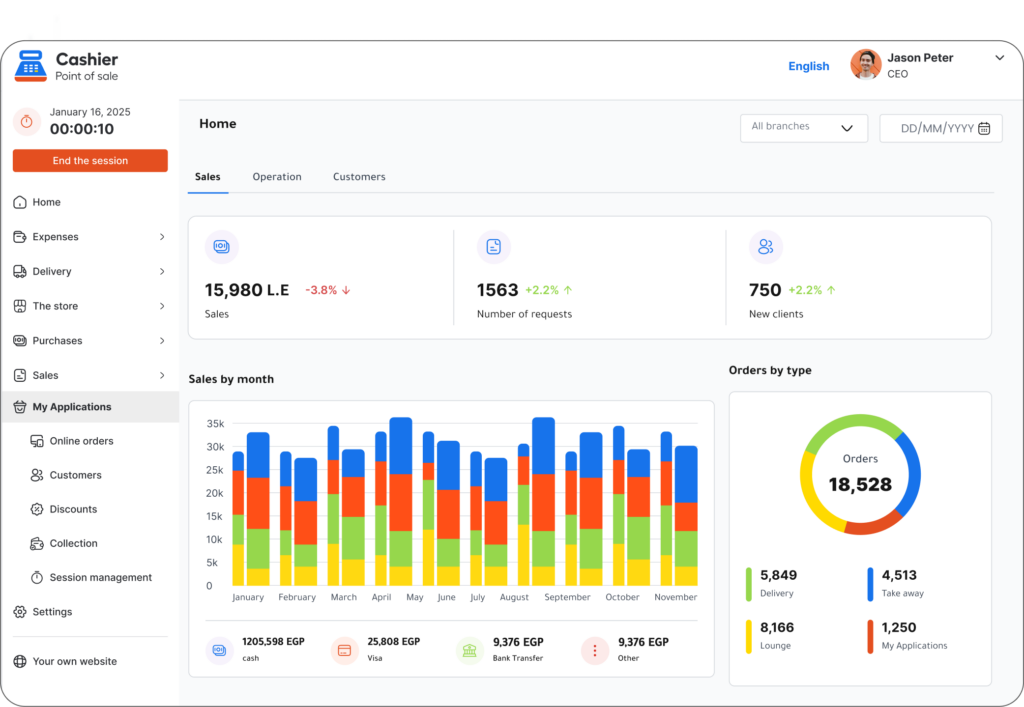
With Cashier POS, business owners can track sales, monitor product performance, and review reports that help them understand customer behavior. This makes it easier to prepare for match days with confidence.
Create a Short and Fast Match-Day Menu
A long menu may look attractive, but during heavy crowds it can slow everything down. Every extra item requires more time to search, prepare, customize, and explain to customers. On match days, speed matters.
Creating a shorter match-day menu can help your team work faster and reduce mistakes. Focus on items that are popular, profitable, and easy to prepare. These may include:
- Cold drinks
- Hot coffee
- Iced coffee
- Fresh juices
- Simple desserts
- Snacks
- Sandwiches
- Group bundles
- Match-day combos
A shorter menu also helps customers make faster decisions. Instead of spending several minutes choosing from a full menu, they can quickly select from clear match-day offers.
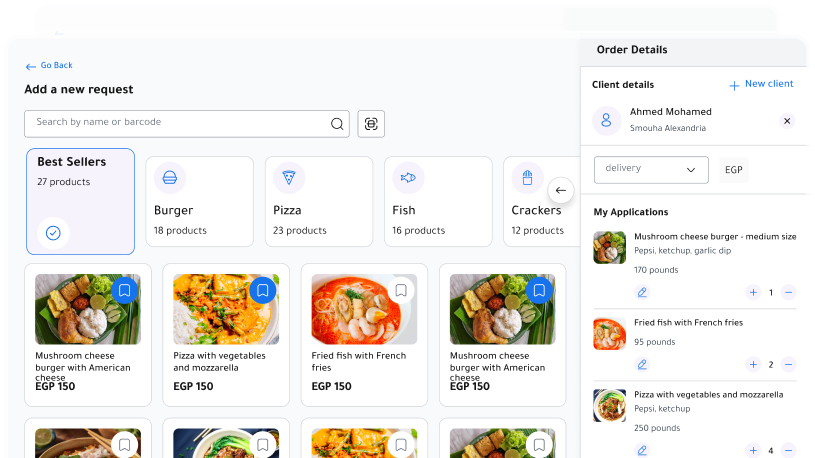
Inside your POS system, you can create special categories such as:
- Match-Day Offers
- Fast Drinks
- Group Deals
- Best Sellers
- Snacks and Desserts
This helps the cashier find items quickly and enter orders without wasting time. A well-organized POS screen can make a big difference during rush hours.
If you use a Free POS System like Cashier POS, you can manage products, categories, pricing, and orders from a simple interface. This allows your team to move faster and serve more customers during the match.
Prepare Group Offers to Increase Average Order Value
World Cup matches are social events. Many customers will visit your café with friends, family, or coworkers. This makes group offers a smart way to increase sales.
Instead of selling only individual drinks, you can create bundles that make ordering easier and more attractive. For example:
- Four drinks at a special price
- Coffee and dessert combo
- Two drinks plus snacks
- Family match-day bundle
- Group table package
- Halftime snack deal
Group offers help customers order faster because they do not need to choose every item separately. They also help your café increase the average bill value.
However, offers should be simple. Too many complicated discounts can confuse employees and slow down service. Keep the offers clear, easy to explain, and easy to enter into the POS system.
A good Free Point of Sale system allows you to add offers and promotions directly into the system. This means your team does not have to calculate discounts manually. Manual calculations during busy periods can lead to errors, delays, and inconsistent pricing.
With Cashier POS, cafes can create organized product categories and manage sales efficiently, making match-day offers easier to handle.
Monitor Inventory Before and During the Match
Running out of key products during a busy match can lead to lost sales and unhappy customers. Imagine running out of milk, coffee beans, ice, cups, lids, desserts, or takeaway packaging in the middle of a major game. These small shortages can create major problems.
Before match day, review the products and ingredients that usually sell quickly. Make sure you have enough stock for your expected demand. Do not only check food and drinks. Also check operational supplies such as:
- Cups
- Lids
- Napkins
- Straws
- Takeaway bags
- Receipt paper
- Packaging
- Ice
- Cleaning supplies
Inventory planning should be based on your sales history. If cold drinks usually sell more during evening events, prepare extra stock. If desserts sell well with coffee bundles, make sure your dessert supply is ready.
A modern POS system helps connect sales with inventory. When products are sold, inventory can be updated, giving managers a clearer view of what is available and what needs attention.
This is especially important for cafes that expect high traffic during World Cup 2026. Instead of relying only on manual checks, a smart online POS or offline POS system gives your business better control.
Cashier POS supports businesses that need flexibility, speed, and reliability, helping café owners manage sales and operations from different devices.
Organize Staff Roles for Peak Hours
Having more employees is helpful, but it is not enough. You also need clear roles. During match days, confusion between staff members can cause delays and mistakes.
Divide your team based on the flow of the match. Demand often changes during different stages:
- Before the match: customers arrive and place their first orders
- During the first half: orders may slow down slightly
- Halftime: sudden rush for drinks and snacks
- Second half: steady service continues
- After the match: payment, takeaway, and final orders increase
Assign clear responsibilities to each team member. For example:
- One employee handles cashier orders
- One employee manages drink preparation
- One employee handles food or snacks
- One employee manages pickup and table delivery
- One employee monitors online or takeaway orders
- One manager supervises inventory and customer flow
When everyone knows their role, the café operates more smoothly.
A good POS App can also help track employee activity and sales. Managers can see who processed orders, which transactions were completed, and how the team performed during peak periods.
This information helps improve staff planning for future matches.
Reduce Waiting Time at the Cashier
Long waiting times are one of the biggest reasons customers become frustrated. During a match, customers do not want to miss important moments because they are standing in line.
To reduce waiting time, make sure your POS system is easy for employees to use. Place popular items and match-day offers in visible categories. Use simple product names. Train employees before the event so they know where everything is inside the system.
You can also reduce queues by accepting multiple payment methods. Customers expect fast and flexible payments, especially when the café is crowded. Cash, card, mobile wallets, and digital payments can help reduce friction at checkout.
If your business can use more than one device, consider opening an extra sales point during peak times. A flexible POS system that works on mobile, desktop, and web can help your team serve customers faster.
Cashier POS is available as a mobile app, desktop app, and web-based POS, giving businesses the flexibility to sell from different devices. This can be especially helpful when demand increases during major events.
For businesses searching for a Free POS System download, choosing a solution that is simple to set up and easy for staff to learn can save time before busy seasons.
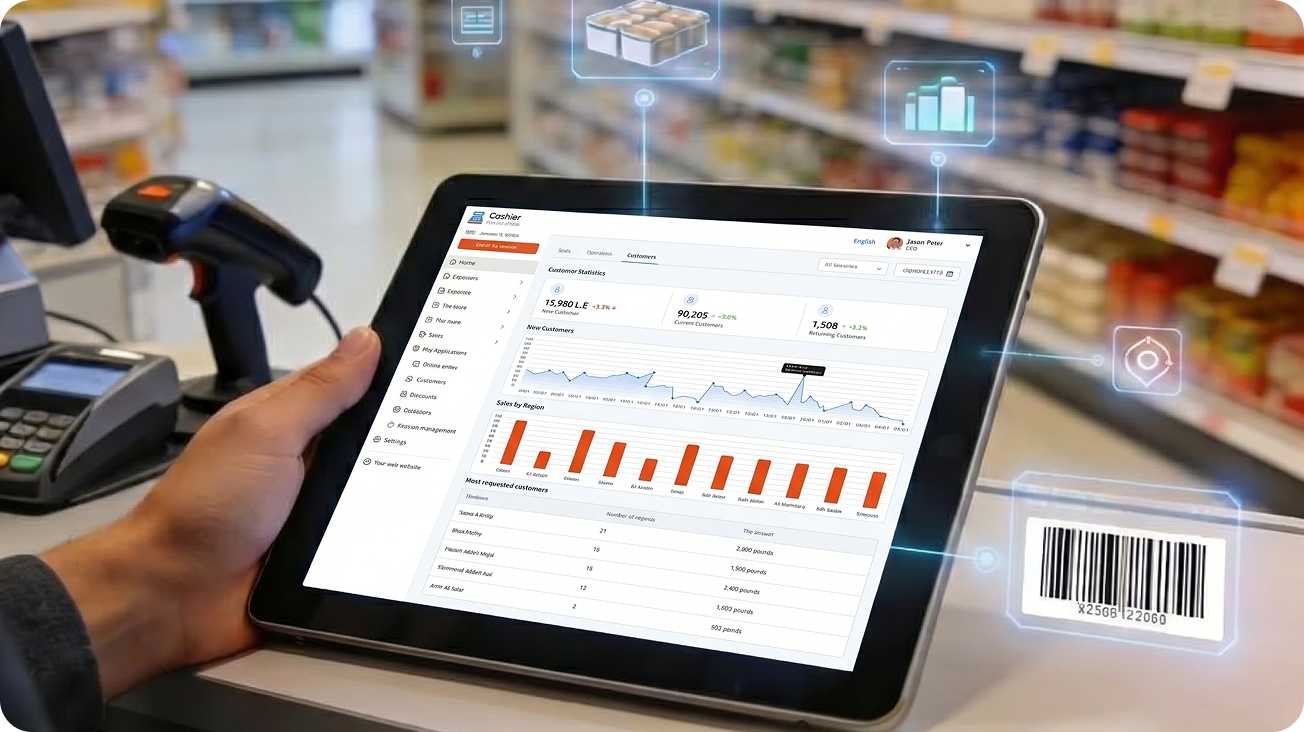
Use Online and Offline POS to Avoid Service Interruptions
Internet problems can happen at the worst possible time. During a crowded match day, even a few minutes of system downtime can create long lines, missed orders, and frustrated customers.
That is why cafes should use a POS system that supports both online and offline selling. An offline POS allows your team to continue processing orders even when the internet connection is weak or unavailable. Once the connection returns, data can sync again depending on the system setup.
This feature is especially valuable during high-demand events like World Cup 2026, when your business cannot afford to stop selling.
An online POS is useful for cloud access, reporting, and multi-device management. But offline support adds another layer of reliability. Together, online and offline capabilities give cafe owners more confidence during busy periods.
Cashier POS works online and offline, making it a practical choice for restaurants, cafés, retail stores, and supermarkets that need reliable selling tools.
Make the Customer Experience Easy and Enjoyable
A successful match-day experience is not only about selling more. It is also about making customers want to come back.
Your café should create a smooth experience from the moment customers arrive. Make the ordering area clear. Display match-day offers where customers can see them. Organize seating so customers are not blocking the cashier or pickup counter. Use clear order numbers or names to avoid confusion.
Fast service, accurate orders, and smooth payments all improve the customer experience. When customers can enjoy the match without stress, they are more likely to stay longer, order more, and return for future games.
The POS system plays a major role in this experience. If your cashier screen is slow, confusing, or difficult to use, service will suffer. If your system is fast and organized, your staff can focus more on customers and less on fixing mistakes.
A free restaurant POS solution can be a valuable starting point for cafes that want to improve operations without adding unnecessary costs.
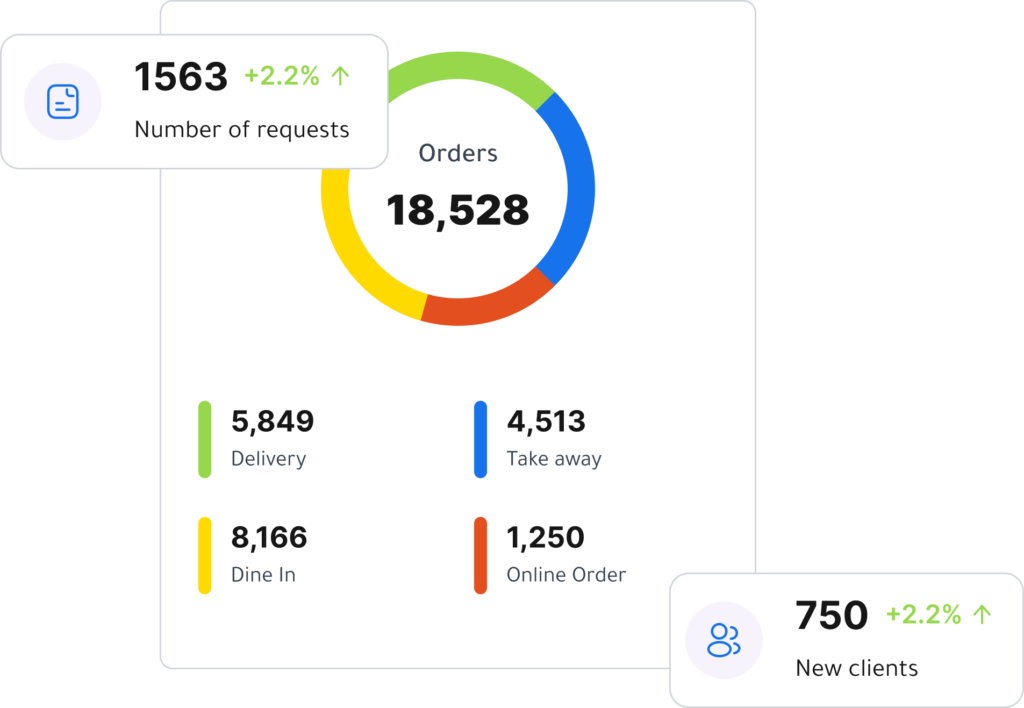
Prepare for Repeat Orders During the Same Visit
On match days, customers often order more than once. They may order drinks before the match, snacks during halftime, and another round after the game. This means each table has the potential to generate more revenue than usual.
To encourage repeat orders, make it easy for customers to buy again. Keep popular items available. Promote simple add-ons. Train staff to suggest relevant items at the right time.
For example, if a group orders coffee before the match, your team can suggest desserts or snacks for halftime. If customers order cold drinks during the first half, you can promote a group snack bundle later.
POS reports can help you understand these patterns. After several matches, you may notice which products are most commonly ordered together, which times are busiest, and which offers increase average order value.
This data helps you improve future match-day planning.
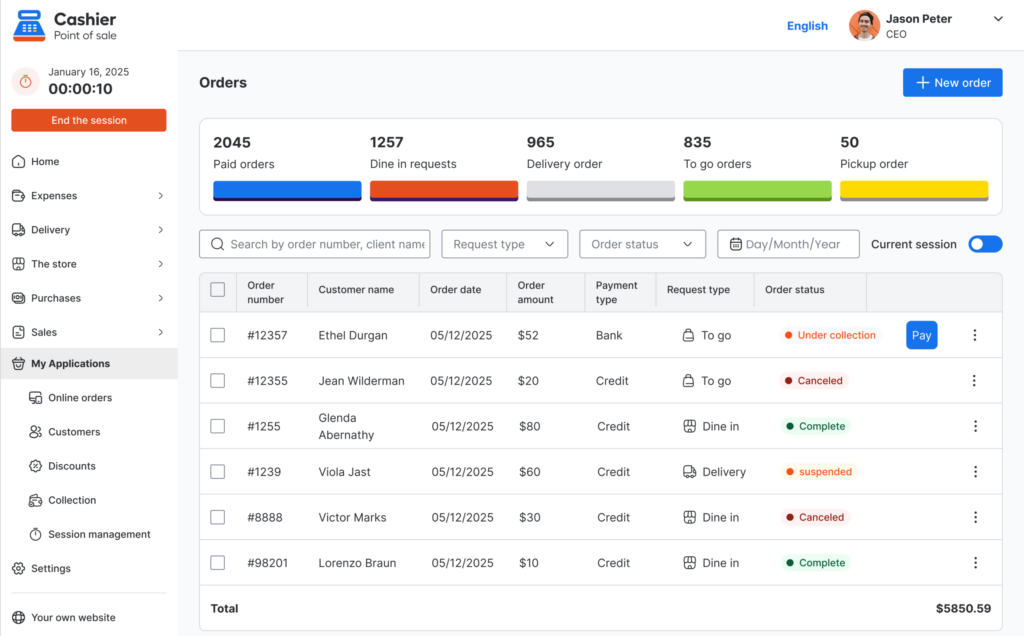
Review Reports After Every Match
The work does not end when the match is over. After each busy day, review your reports carefully. This helps you understand what worked and what needs improvement.
Important reports to check include:
- Total sales
- Best-selling products
- Slow-moving items
- Average order value
- Peak sales hours
- Payment methods
- Employee sales performance
- Promotion performance
- Inventory usage
Do not rely only on how busy the café felt. A day may look crowded, but profits may be lower than expected because of discounts, waste, or poor product planning.
Sales reports help you make smarter decisions. If one match-day bundle performed well, you can promote it again. If one product took too long to prepare and did not sell well, you can remove it from the match-day menu. If a certain time period was extremely busy, you can schedule more employees for the next major match.
A strong sales management system turns every match day into useful business data.

Avoid Common Match-Day Mistakes
Many cafes prepare the atmosphere but forget the operations. Screens, decorations, and football-themed posts are important, but they are not enough. If service is slow or products run out, customers may not return.
One common mistake is offering too many promotions. Too many options can confuse customers and staff. Keep offers simple and easy to manage.
Another mistake is depending on manual inventory checks. During busy events, manual tracking can easily fail. A POS system with inventory visibility helps reduce this risk.
Some cafes also fail to train staff before the event. Even the best POS system will not help if employees do not know how to use it. Make sure your team practices entering match-day offers, processing payments, and managing order flow before the rush starts.
Finally, avoid ignoring reports after the match. Data is one of the most valuable tools for improving future performance.
How Cashier POS Helps Cafes During World Cup 2026
Cashier POS helps cafes, restaurants, supermarkets, and retail businesses manage sales and daily operations from one platform. For cafes preparing for World Cup 2026, this can make a major difference.
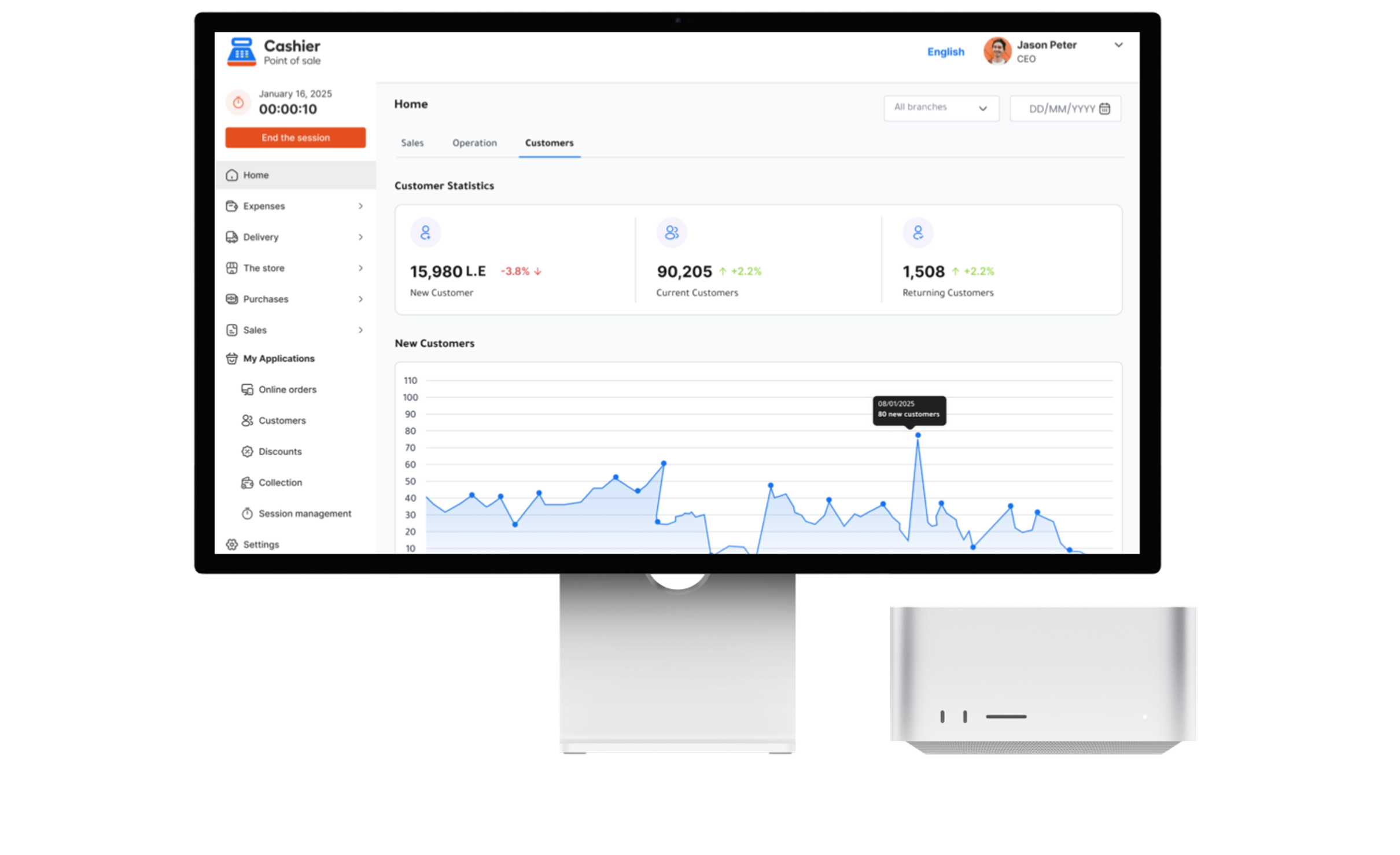
With Cashier POS, business owners can manage products, process orders, monitor sales, support multiple devices, and continue selling online and offline. This flexibility helps cafes stay ready for busy periods, internet issues, and changing customer demand.
Instead of using disconnected tools or manual records, Cashier POS gives businesses a simpler way to organize operations. Café owners can track what is selling, review reports, manage staff activity, and improve service speed.
For match days, this means fewer mistakes, faster checkout, better inventory awareness, and a smoother customer experience.
Whether you are looking for a Free POS System, a reliable POS App, or a modern Free Point of Sale solution for your café, Cashier POS gives you tools that support both daily sales and high-demand events.
Practical Checklist for Cafes Before Match Day
Before each major World Cup match, review your preparation checklist.
- Check the match schedule and expected demand.
- Prepare a short match-day menu.
- Add special offers inside your POS system.
- Review inventory and restock key products.
- Check cups, packaging, receipt paper, and supplies.
- Test your cashier devices and printers.
- Make sure payment methods are working.
- Train employees on match-day offers.
- Assign clear staff roles.
- Prepare for halftime rush.
- Review reports after the match.
This checklist can help your café stay organized and reduce last-minute problems.
Conclusion
World Cup creates a major opportunity for cafes to attract customers, increase sales, and build stronger customer loyalty. But success during match days depends on more than football decorations and a good screen. It depends on operational readiness.
Cafes need fast order processing, accurate billing, reliable inventory control, organized staff roles, flexible payment options, and clear sales reports. A modern POS system helps bring all of these elements together.
Using a Free POS System like Cashier POS can help cafes manage match-day pressure with more confidence. With online and offline support, multi-device access, and practical sales tools, Cashier POS gives business owners a better way to prepare for busy events and daily operations.